1 video · 480p
$5.90 USD
$5.90 per video
One 480p pass per render. Passes stay in your Google account on this site.
Choose 1 video · 480pStep into the original iPhone Kupi clip.
Your photo replaces the performer; the video supplies the moves.
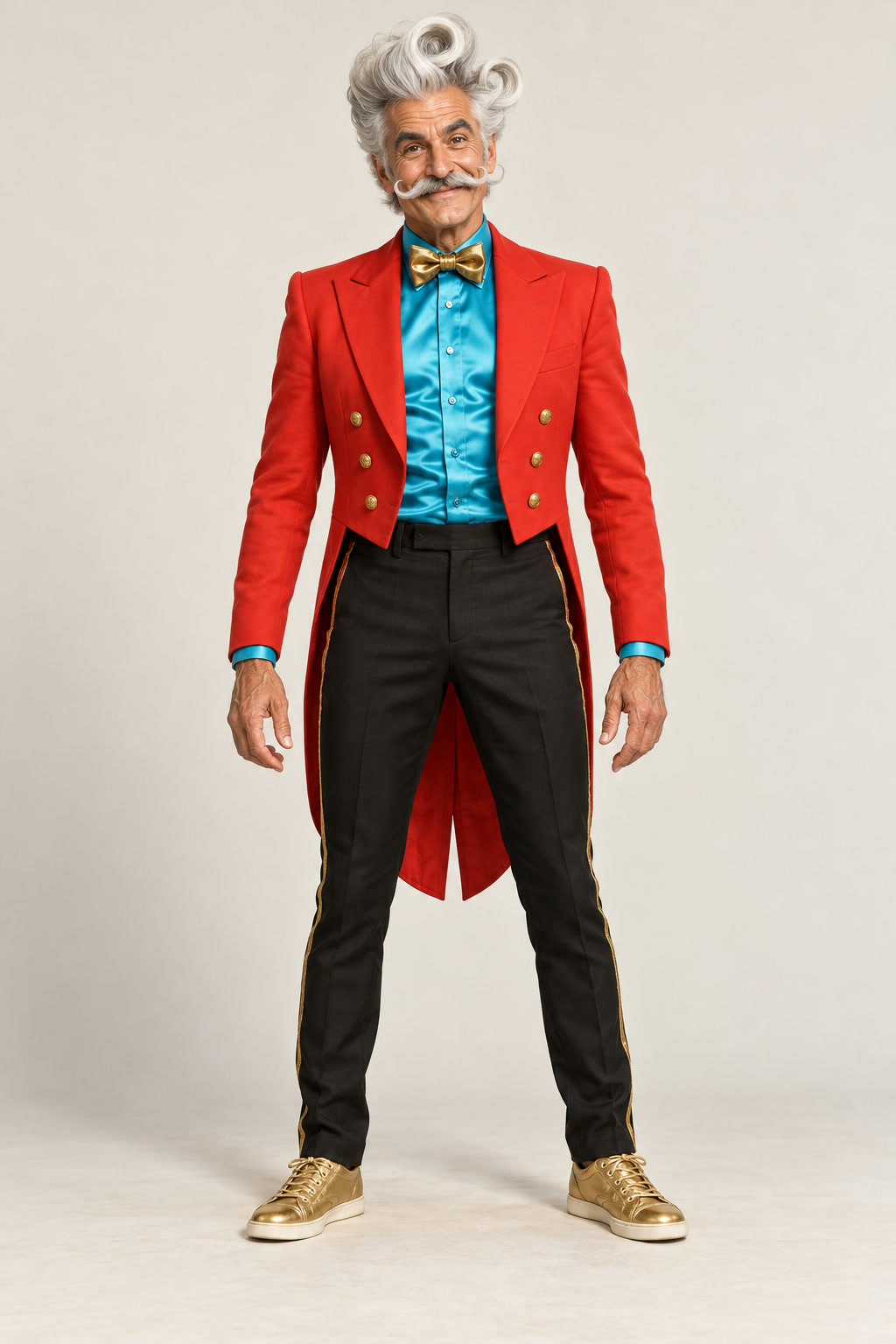
The photo behind this preview
Disco Duke · original fictional character
Seedance 2.0 Fast · 720p · Original soundtrack
A generated example, not original creator footage. Your face, movement, hands and phone detail may vary.
The original video sets the scene and every move. Your photo supplies the face, hair and outfit.
Stripe checkout · USD · No subscription
Win William’s original iPhone 5555 clip supplies the close-up folding-phone reveals, much larger folding screen, energetic dance, throws and rightward exit. We use that actual video as the motion reference while replacing the performer with the adult from your photo. The original room, camera and prop sequence guide the result.
Watch Win William’s original postOriginal creator reference: Win William’s “iPhone 5555” post. It is not a sample made by this website.
“Айфон купи” means “buy an iPhone” in Russian. It is the phrase people use to find the sound and the dance. The phone and screen props come from the original reference; you do not need a device or dance footage of your own.
After the visual render, the original clip’s soundtrack is restored to your video. We do not synthesize replacement music. You can change the sound in your social app; this purchase does not grant rights to the original recording.
Add one clear adult photo. Your face, hairstyle and outfit replace the original performer. We supply the original motion reference.
Sign in with Google and pay once through Stripe. Your photo stays in this browser during checkout. One render uses one pass.
Allow several minutes, then save the 15-second MP4. Find it again in My videos, or add the trend sound when you post.
15 seconds · 9:16 · Choose 480p or 720p · No subscription
$5.90 USD
$5.90 per video
One 480p pass per render. Passes stay in your Google account on this site.
Choose 1 video · 480p$14.90 USD
$4.97 per video
One 480p pass per render. Passes stay in your Google account on this site.
Choose 3 videos · 480p$39.90 USD
$3.99 per video
One 480p pass per render. Passes stay in your Google account on this site.
Choose 10 videos · 480p$9.90 USD
$9.90 per video
One 720p pass per render. Passes stay in your Google account on this site.
Choose 1 video · 720p$25.00 USD
$8.33 per video
One 720p pass per render. Passes stay in your Google account on this site.
Choose 3 videos · 720p$66.95 USD
$6.70 per video
One 720p pass per render. Passes stay in your Google account on this site.
Choose 10 videos · 720pPasses purchased here belong to iPhone Kupi Video and are separate from other websites.
Sign in with the same Google account to recover them. Save your receipt. Refund policy
The iPhone Kupi dance combines a phone reveal with an exaggerated hotel-room dance and a phone toss. This maker replaces the performer in Win William’s original iPhone 5555 video with the consenting adult from your photo. The original video guides the room, camera, folding-phone props, dance and ending.
“Айфон купи” is Russian for “buy an iPhone.” People use the phrase to find the dance and its associated sound. This independent tool is not affiliated with Apple, any creator or the song’s owners.
Upload one clear photo of one adult, sign in with Google, choose a one-time video pack and create. The original reference video supplies the scene, camera, phone reveals and movements; your photo supplies the performer’s identity and outfit. No prompt, source upload or editing timeline is needed.
Choose a well-lit waist-up or full-body photo with one adult, a visible face and the outfit you want in the video. Avoid group photos, covered faces, sunglasses and strong filters. JPG, PNG and WebP files up to 10 MB are accepted and optimized before upload. This preset does not support pets or group casting.
480p packs cost $5.90 for one video, $14.90 for three and $39.90 for ten. 720p packs cost $9.90 for one, $25.00 for three and $66.95 for ten, in USD. Each generation uses one pass for the selected resolution. Packs are one-time purchases with no subscription. The two resolutions have separate pass balances on this website, separate from ViralRemake credits.
Choose 480p or 720p for a 15-second, vertical 9:16 MP4 using Seedance 2.0 Fast. The preview shown here is 720p. Allow several minutes; provider queues can take longer. AI identity, hands, phone geometry and choreography can vary. Sign in with the same Google account to find completed videos in My videos.
The original reference clip’s soundtrack is restored after visual rendering, so the download uses the source audio rather than synthesized replacement music. You can change the sound in TikTok or Instagram when posting. This purchase does not grant rights to the recording or other third-party music.
Stripe processes your payment on its hosted checkout. Passes are added only after the server verifies successful payment. Your photo stays saved in this browser during checkout. Return to the creator and select Create video to begin.
One pass is reserved when a generation starts and restored once if the provider reports failure. A status refresh does not spend another pass. Sign in again with the same Google account to recover your balance and video status. Pass restoration is separate from a payment refund; contact support for billing issues.
Your photo is sent to Kie AI and its model providers to make the video. Finished videos are saved in private storage and served only after checking your account. Payment details stay on Stripe’s hosted checkout; this website does not store card numbers. See the Privacy Policy for retention and deletion details.